Amazon Fire Stick
Install the IPTV player app from the Amazon store, enter your credentials, done. Our most popular device — setup takes 3 minutes.
IPTV streams live TV over your internet connection — no dish, no cable box, no technician visit. Here's exactly how it works.
Select 1, 6 or 12 months — the longer the plan, the bigger your savings. Message us on WhatsApp.
Pay securely via Interac, card, PayPal or crypto. Login details delivered under 5 minutes.
Install the app on any device, enter your details and enjoy 20,000+ channels with 24/7 support.
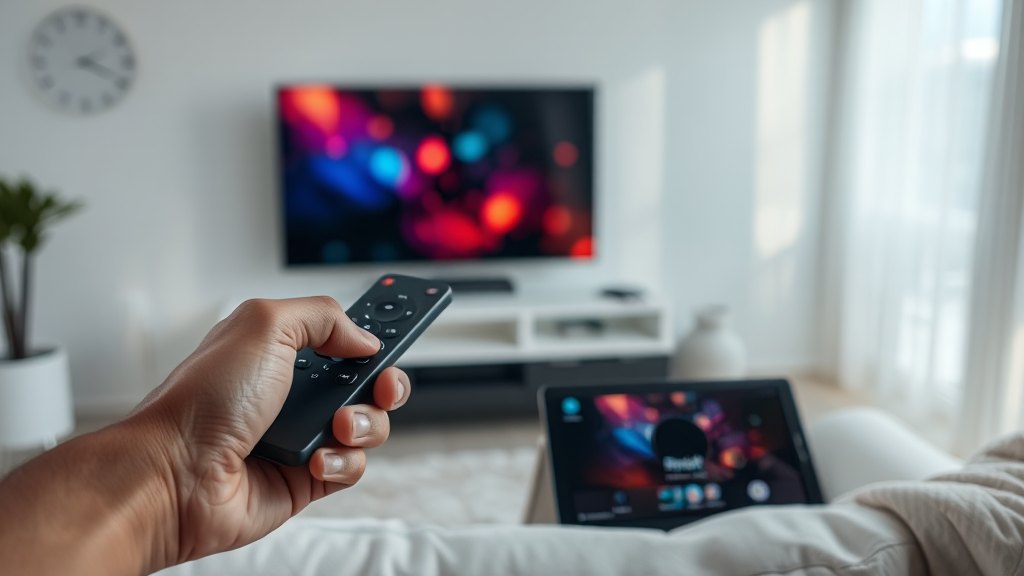
One login, every device — the TV in the living room, the tablet on the couch, the phone on the go. Switch between them without losing your place.
Install the IPTV player app from the Amazon store, enter your credentials, done. Our most popular device — setup takes 3 minutes.
Download a certified IPTV app directly from your TV's app store. No extra hardware needed.
Any Android device works — phones, tablets, Android TV, NVIDIA Shield, generic boxes.
Native apps available on the App Store for all Apple devices.
Direct portal setup — send us your MAC address and we configure it for you.
Watch in any browser or with free players like VLC and IPTV Smarters.
Our support team walks you through setup step by step — in English or French, 24/7.